Why the latest APK matters
Because the Y1 Game app updates outside the Play Store, new builds do not install themselves. Running
an old version is the most common reason players see missing games, promotions that will not open, or
a login screen that loops. Reinstalling the latest Y1 Game APK from this page resolves the large
majority of those reports on the first attempt.
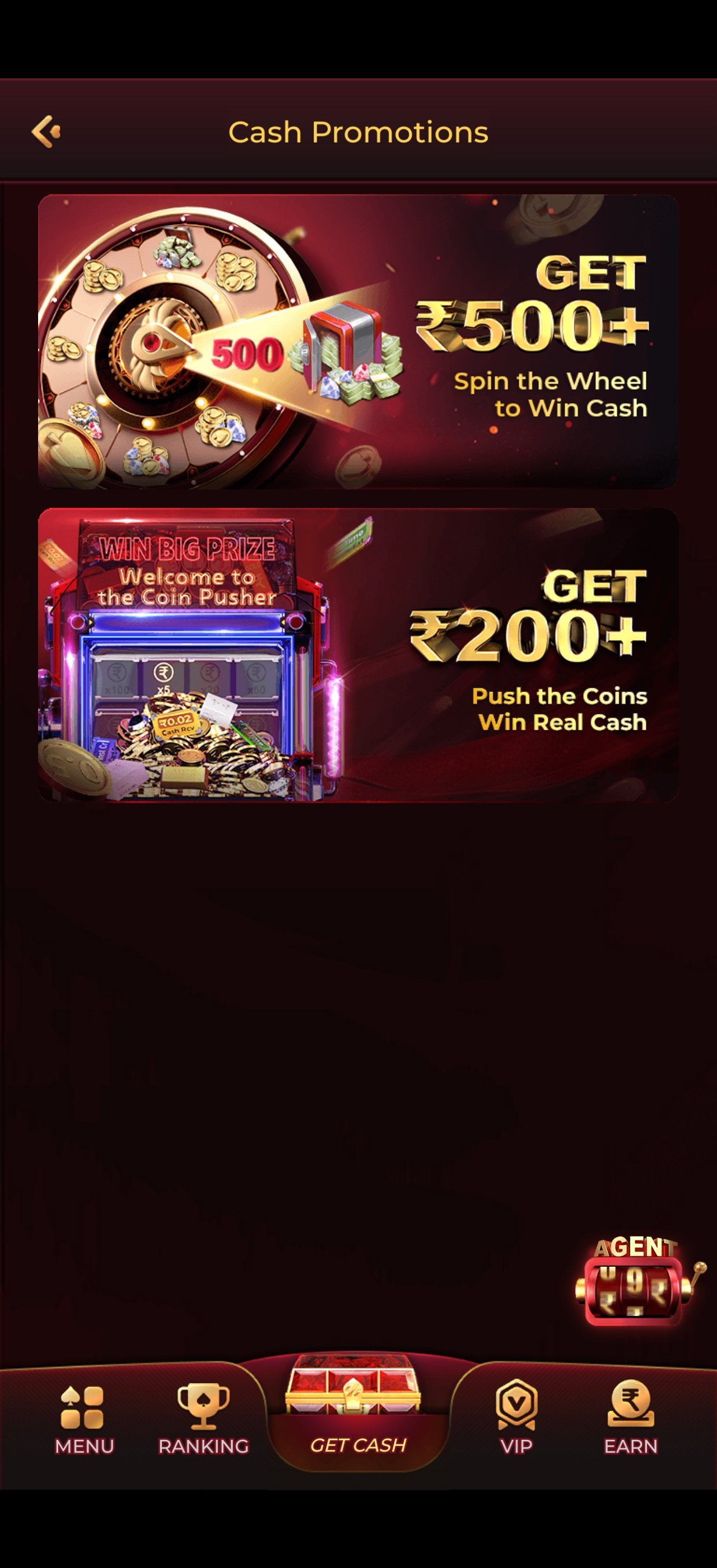
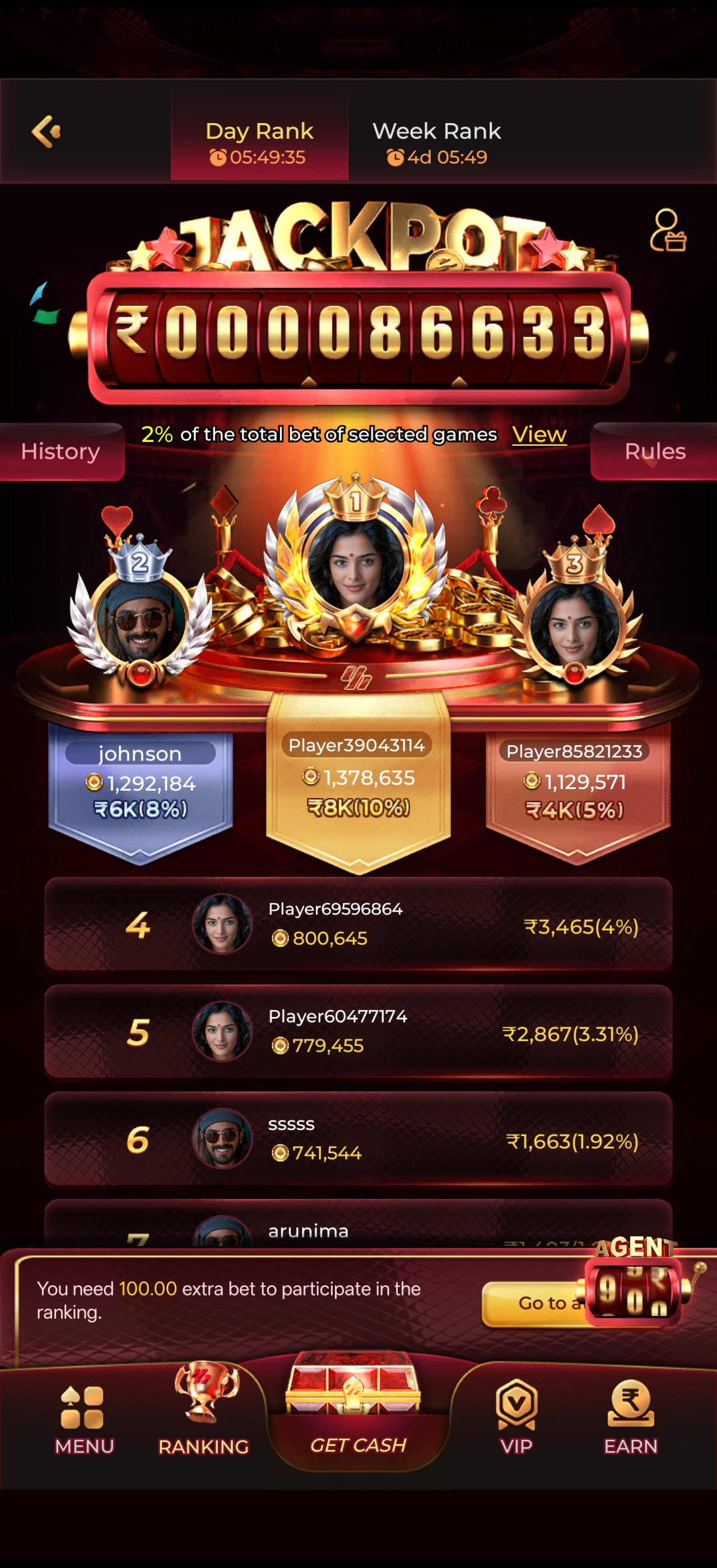
Each new build typically adds recently released titles across every category, refreshes the promotions engine, patches
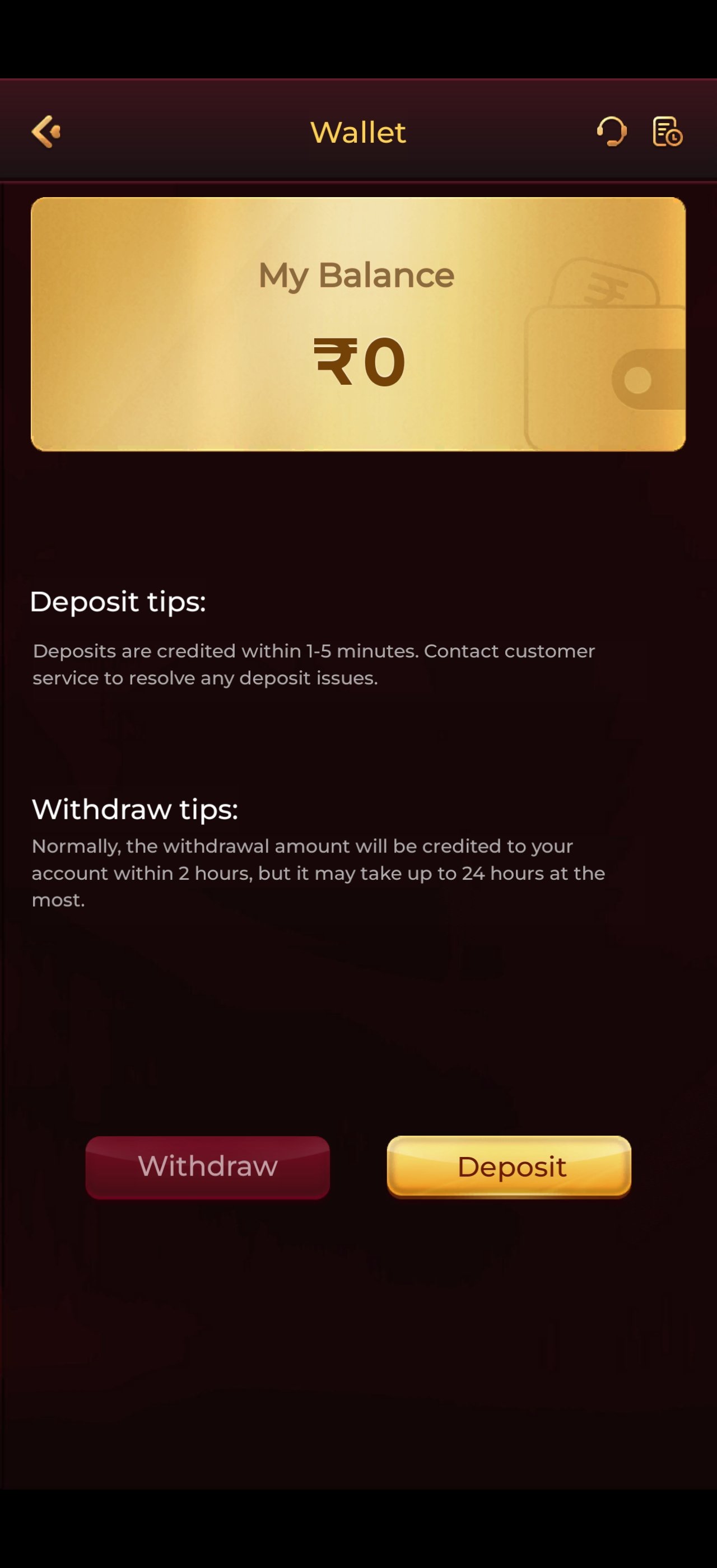
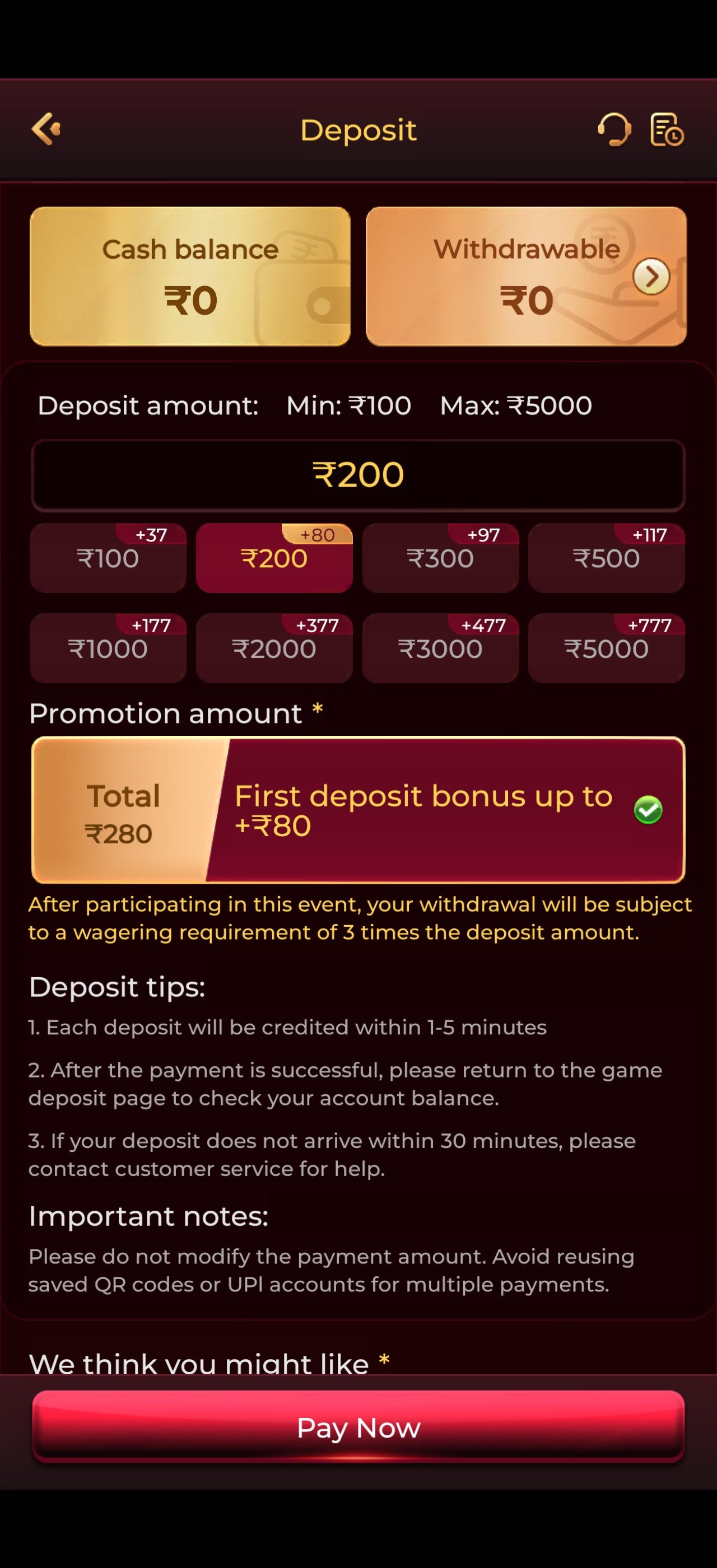
performance issues on specific Android versions, and improves wallet reliability. Update
announcements are posted in the official Telegram community as soon as a build goes live.
How to update safely
- Withdraw or note your balance first — it lives on your account, not the device, but it is a good habit.
- Download the newest APK from y1-game.co.
- Install over the top; your account, VIP level and history carry across.
- If Android refuses the overwrite, uninstall the old build first and reinstall.
- Log back in with the same mobile number — never create a duplicate account.
Does it work on iPhone?
The primary release is Android, which is where the overwhelming majority of Indian players are. iOS
users can open the platform in Safari or Chrome on mobile, where the lobby, wallet and promotions are
all fully responsive — you simply lose the home-screen app icon and push notifications. Adding the
site to your home screen from the browser share menu gets most of that back.
Can I play on a tablet or PC?
Android tablets install the same APK and benefit from the larger screen. On a desktop or laptop, the
browser version works, though the interface is designed mobile-first and the layout is at its best on
a phone. Android emulators technically run the app but are not recommended — they add input lag and
can complicate account verification.
Data and battery use
A typical hour of play consumes a modest amount of data because game assets are cached after their
first load. Battery draw is comparable to any graphics-driven mobile game; enabling your phone's
battery saver while playing on the move is a sensible habit if you are away from a charger.